





















Service Hotline
Resources

Resources
What should you do if a USB connector device is not recognized?
2026-06-25
955
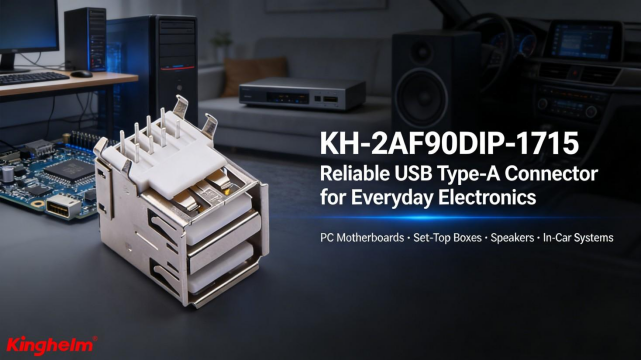 If a USB device is not recognized, follow these troubleshooting steps:
1. Basic checks
- Try a different USB port (prefer rear motherboard ports on desktop PCs)
- Replace the USB cable and test again
2. Restart and reset
- Disconnect all USB devices
- Restart the computer
- Reconnect the USB device individually after reboot
3. Driver repair (Windows system)
- Open Device Manager→ Universal Serial Bus controllers
- Uninstall USB Root Hubdevices
- Restart the computer to allow automatic driver reinstallation
4. Driver and power considerations
- For connectors, adapters, or docking stations, install official or manufacturer-provided drivers
- Avoid relying solely on default system drivers when specialized hardware is used
Summary
USB recognition failures are usually caused by port/cable issues, system driver problems, or power/compatibility limitations, and can typically be resolved through systematic hardware and software troubleshooting.
Related Recommendations